oneDynamics
Company website, 2026
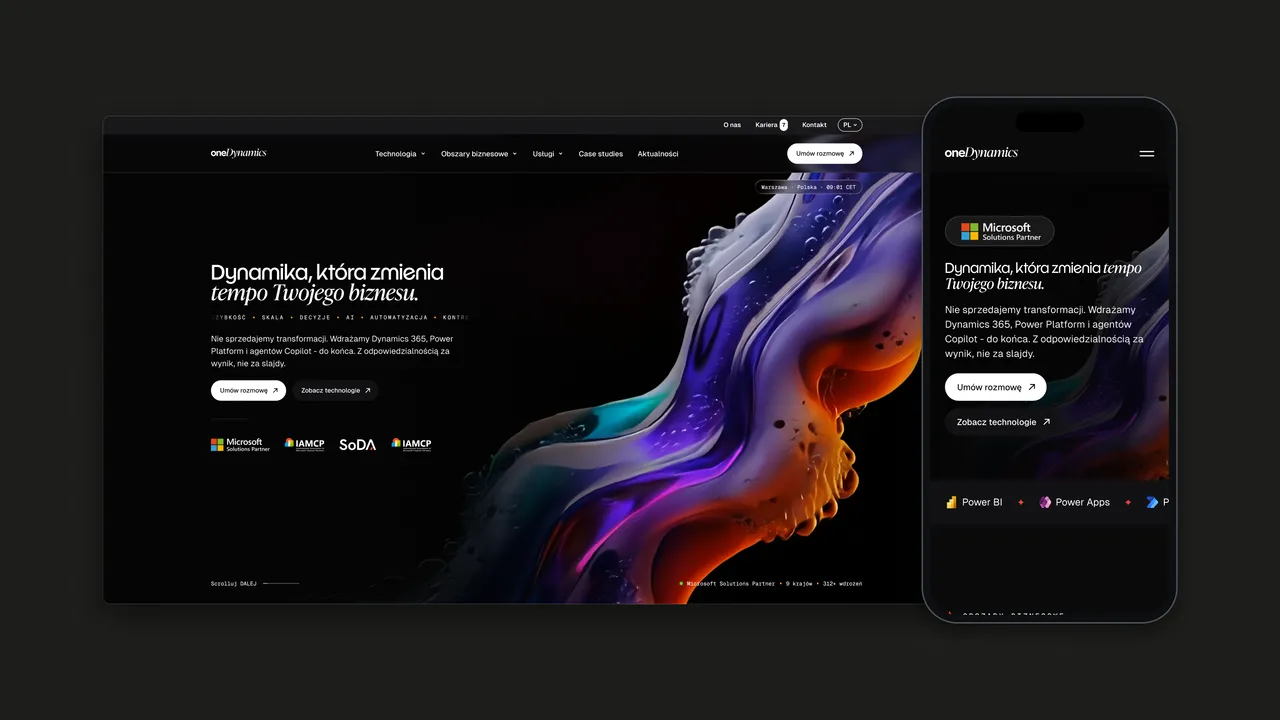
oneDynamics is a Microsoft Solutions Partner implementing Dynamics 365, Power Platform and Azure. Working for zu.agency, I designed a website that makes a broad technical offer easy to navigate for business buyers.
01 — Context
A Microsoft partner with a wide offer
oneDynamics implements, develops and supports Dynamics 365, Power Platform, Azure, Microsoft Fabric and Copilot, alongside products such as Soft HR, Continia, Tasklet and Experlogix. Its services run from consulting and AI transformation to migrations, audits, training and ongoing support, for teams in sales, customer service, finance, operations, logistics and HR. It also delivers implementations under the brand of other IT integrators.
02 — Challenge
Many products, many buyers
Microsoft partner websites tend to look alike and read like product catalogues. oneDynamics sells the same platform to very different people: a finance director thinks in processes, an IT lead thinks in technology, a partner thinks in delivery. The site had to let each of them find their way in without forcing everyone through one long list of Microsoft product names.
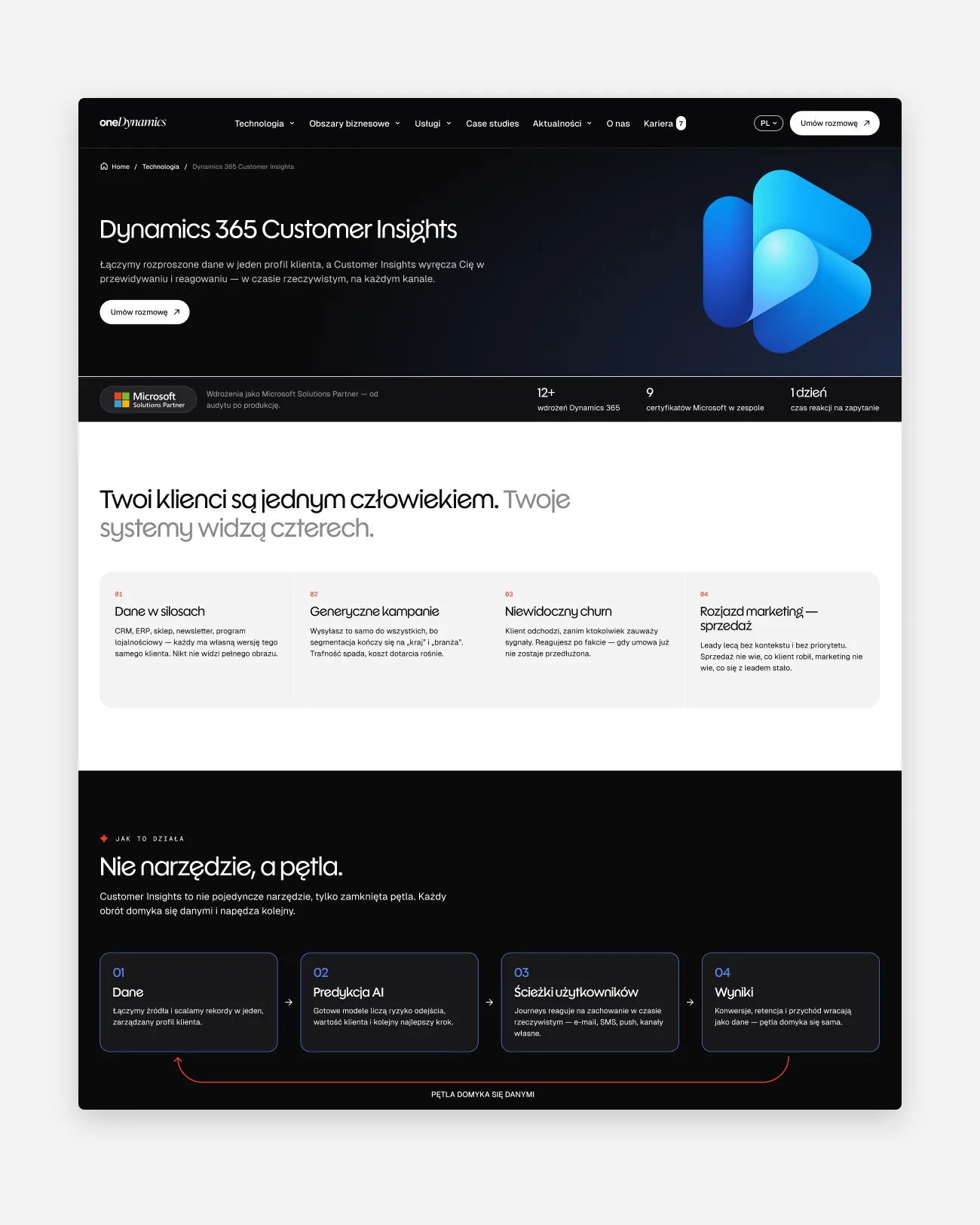
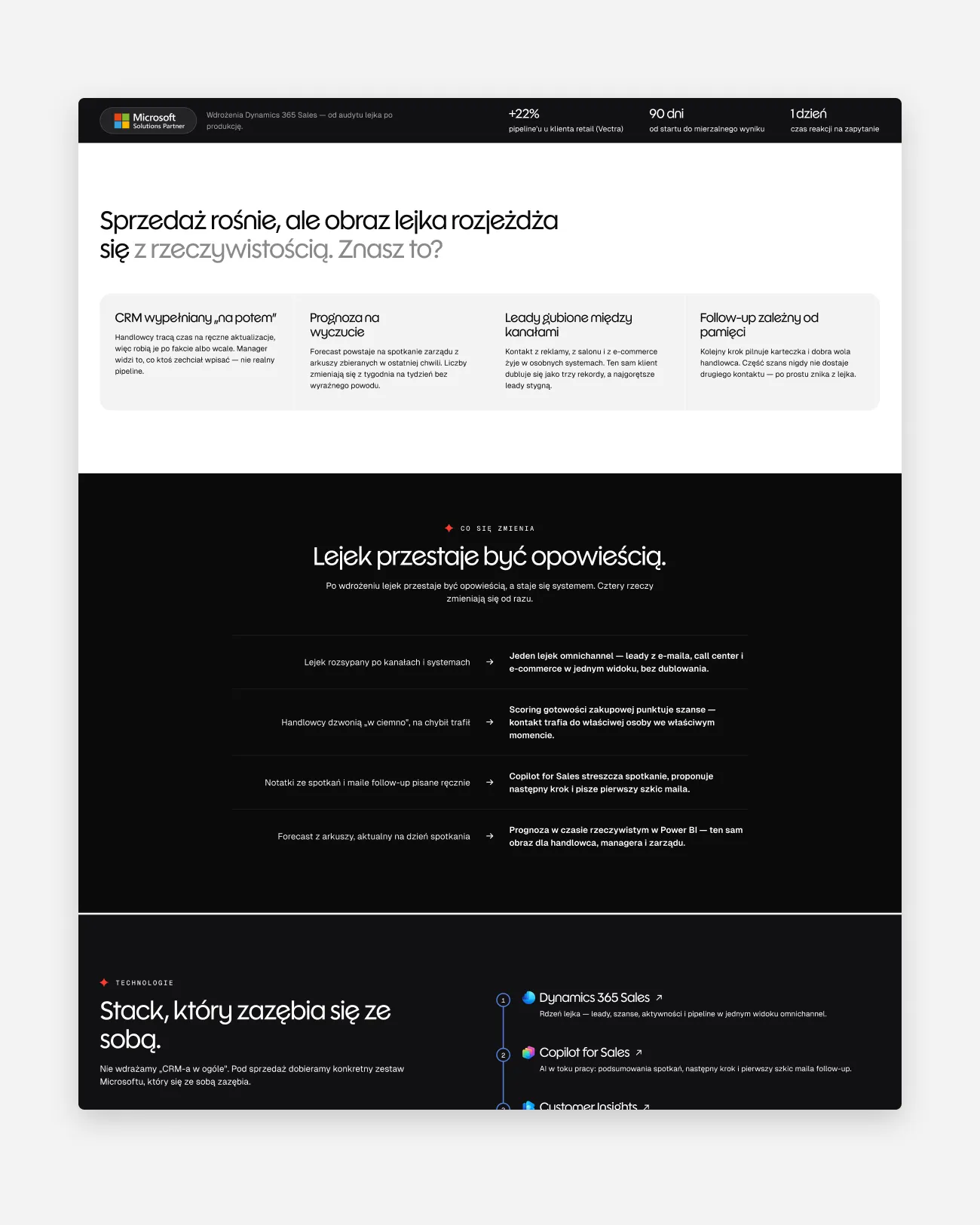
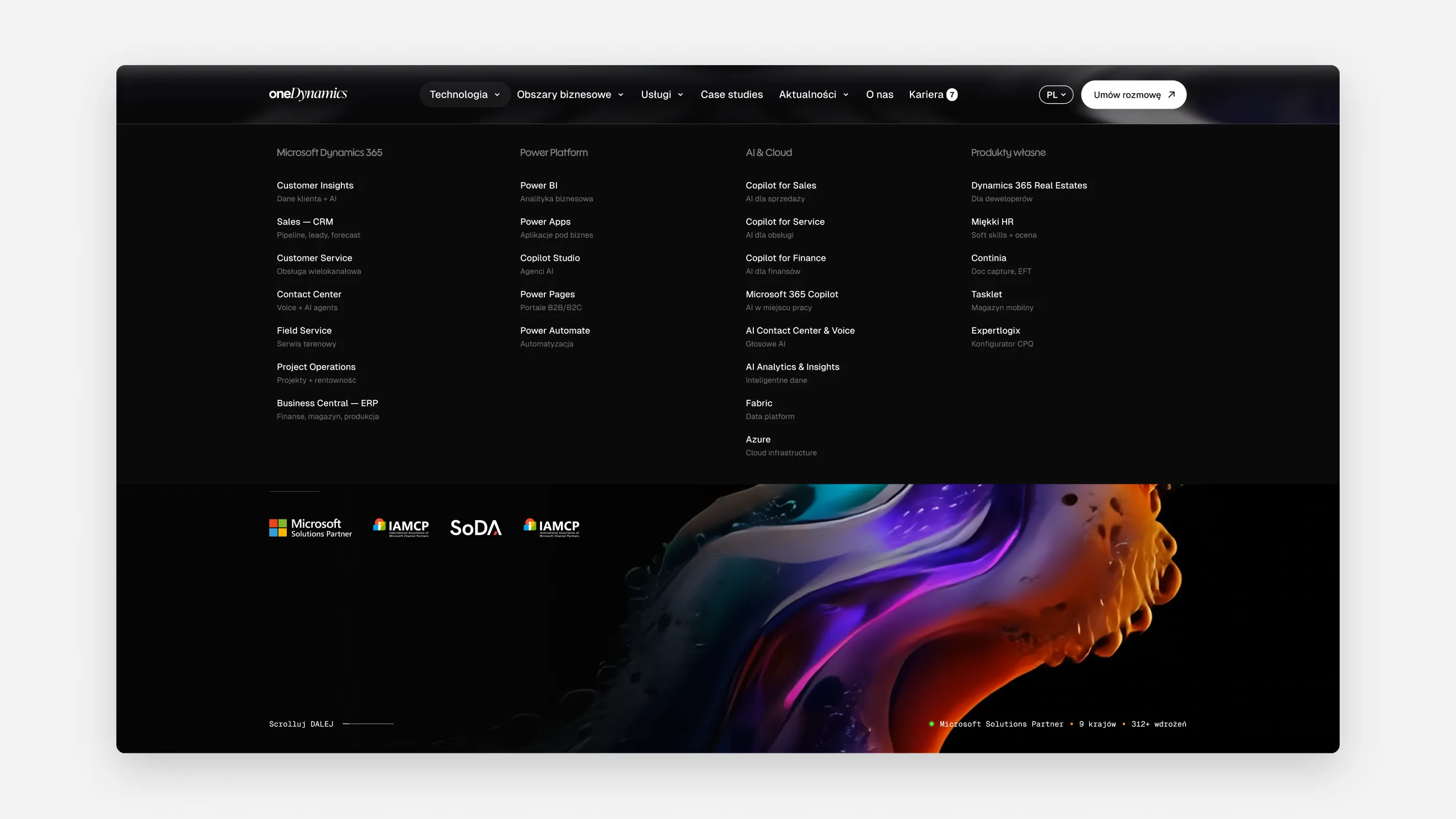
Start from a product, a department or a problem, and reach the same answer.
03 — Approach
Three doors into the same offer
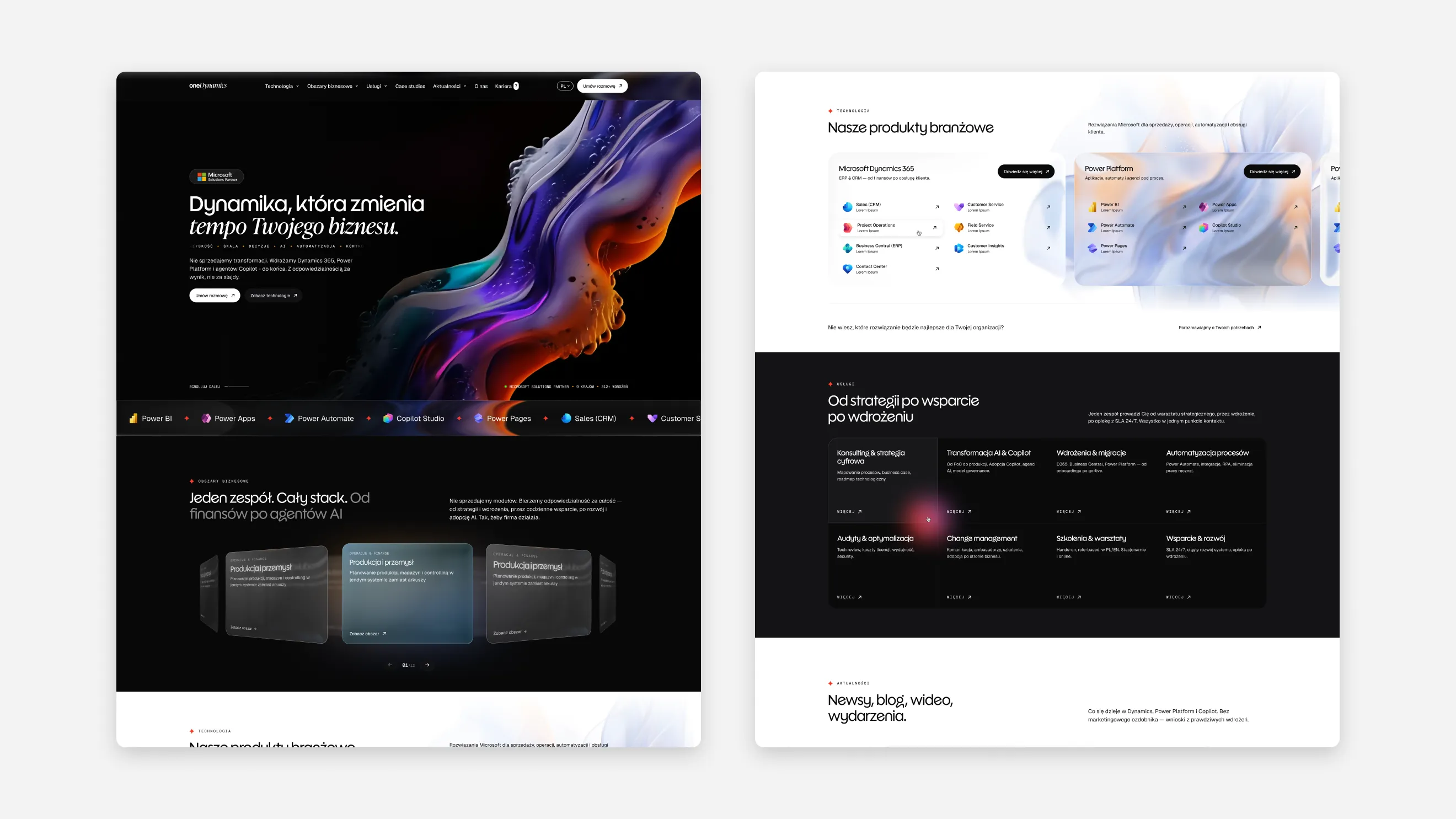
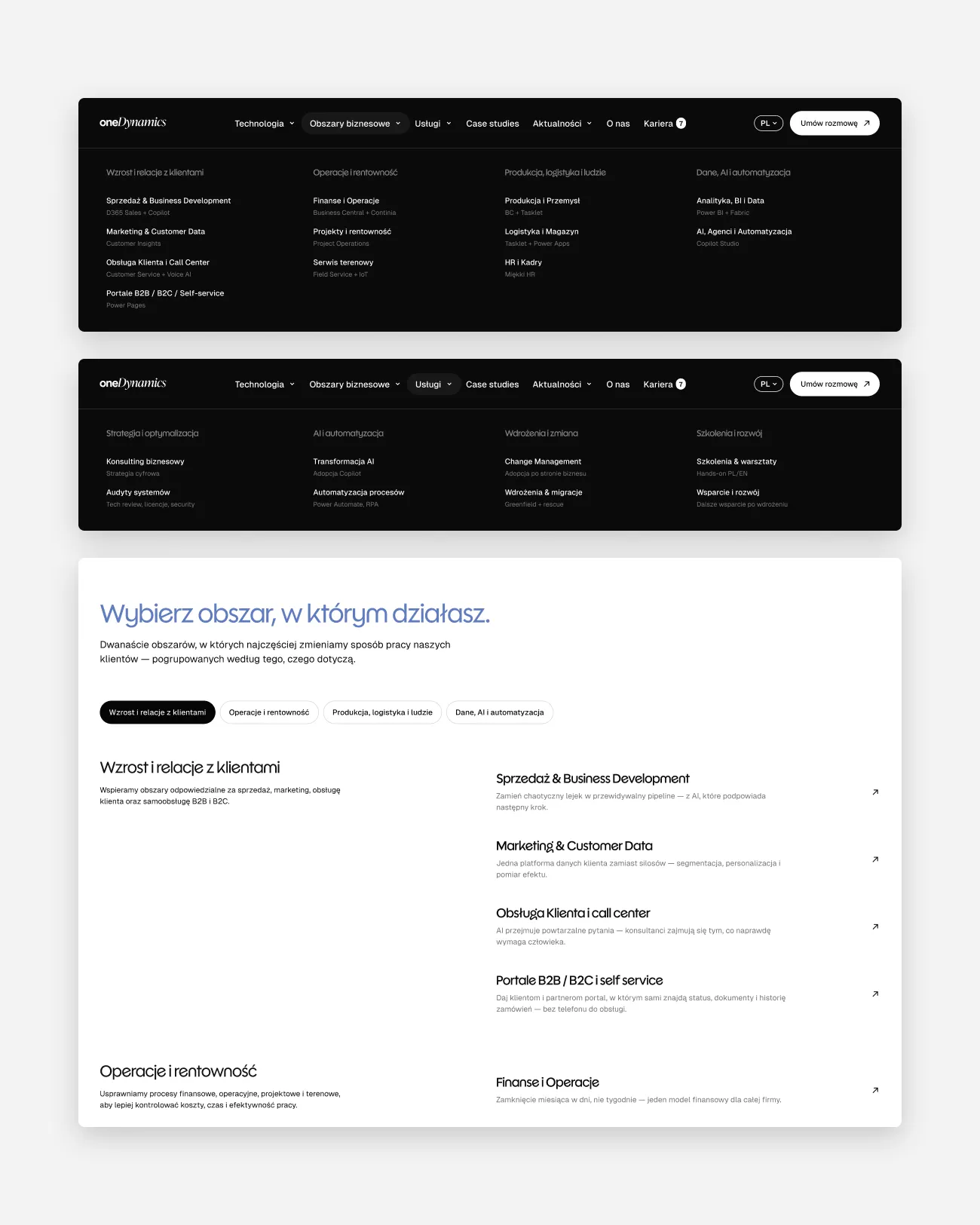
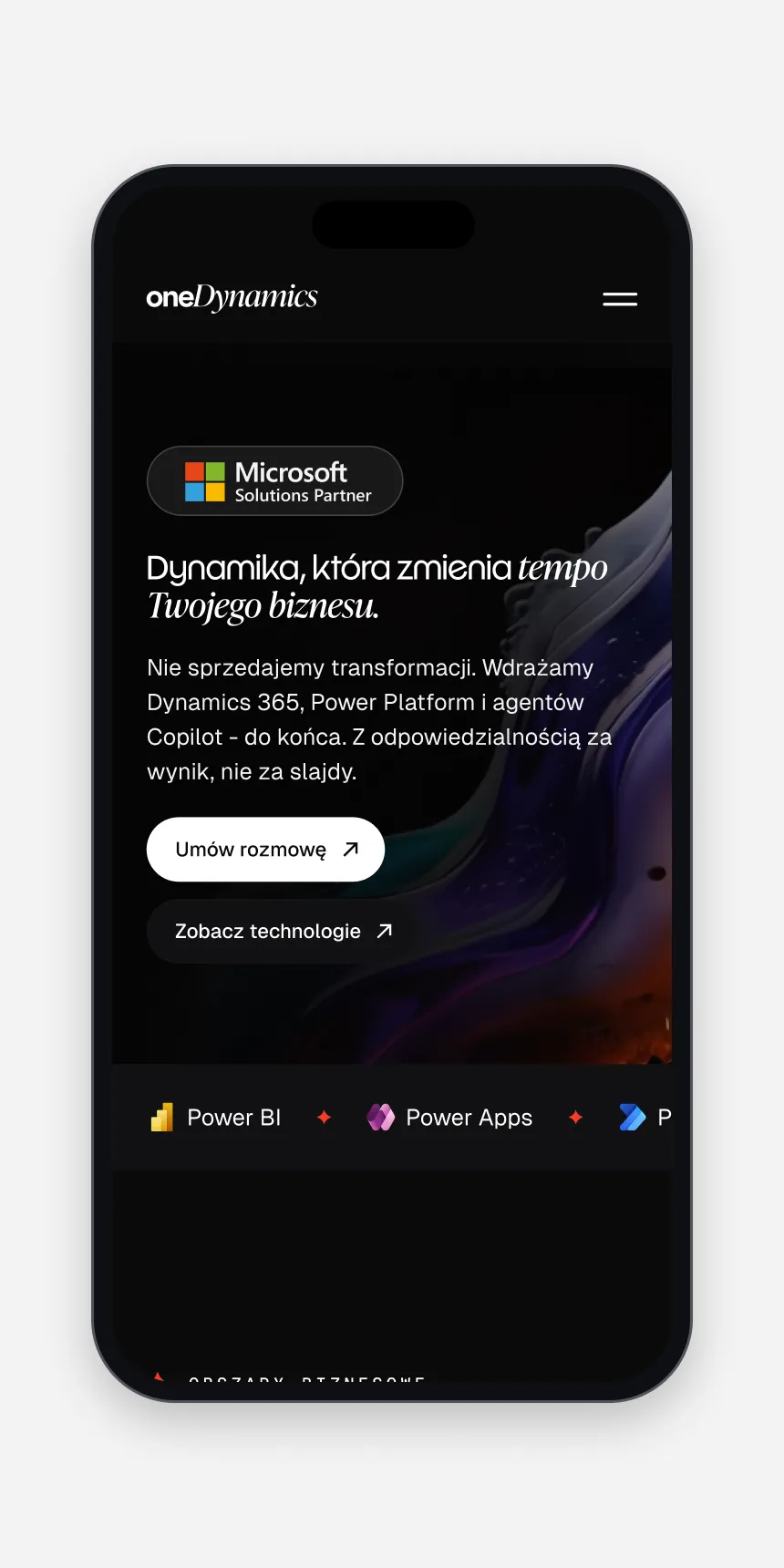
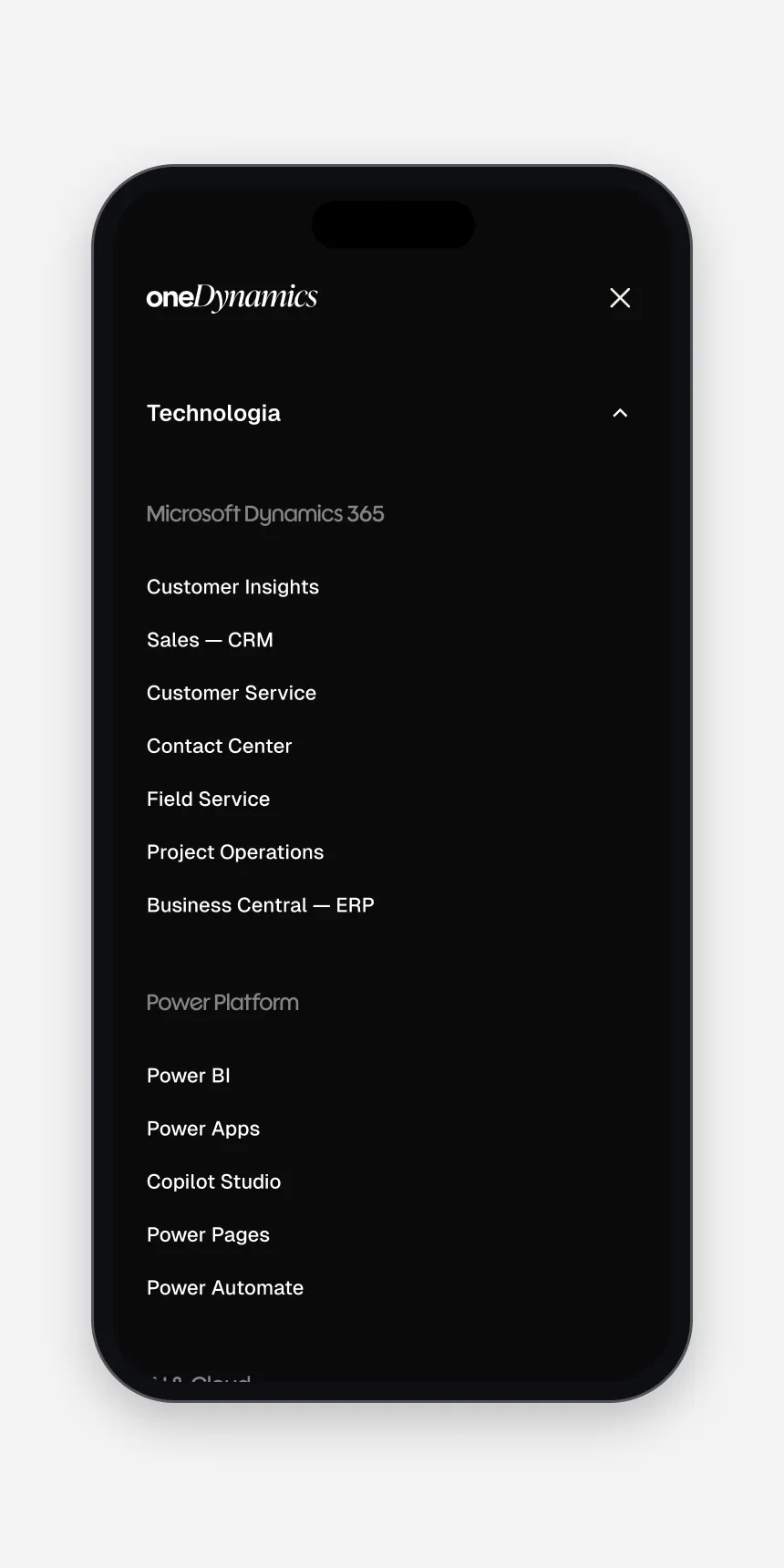
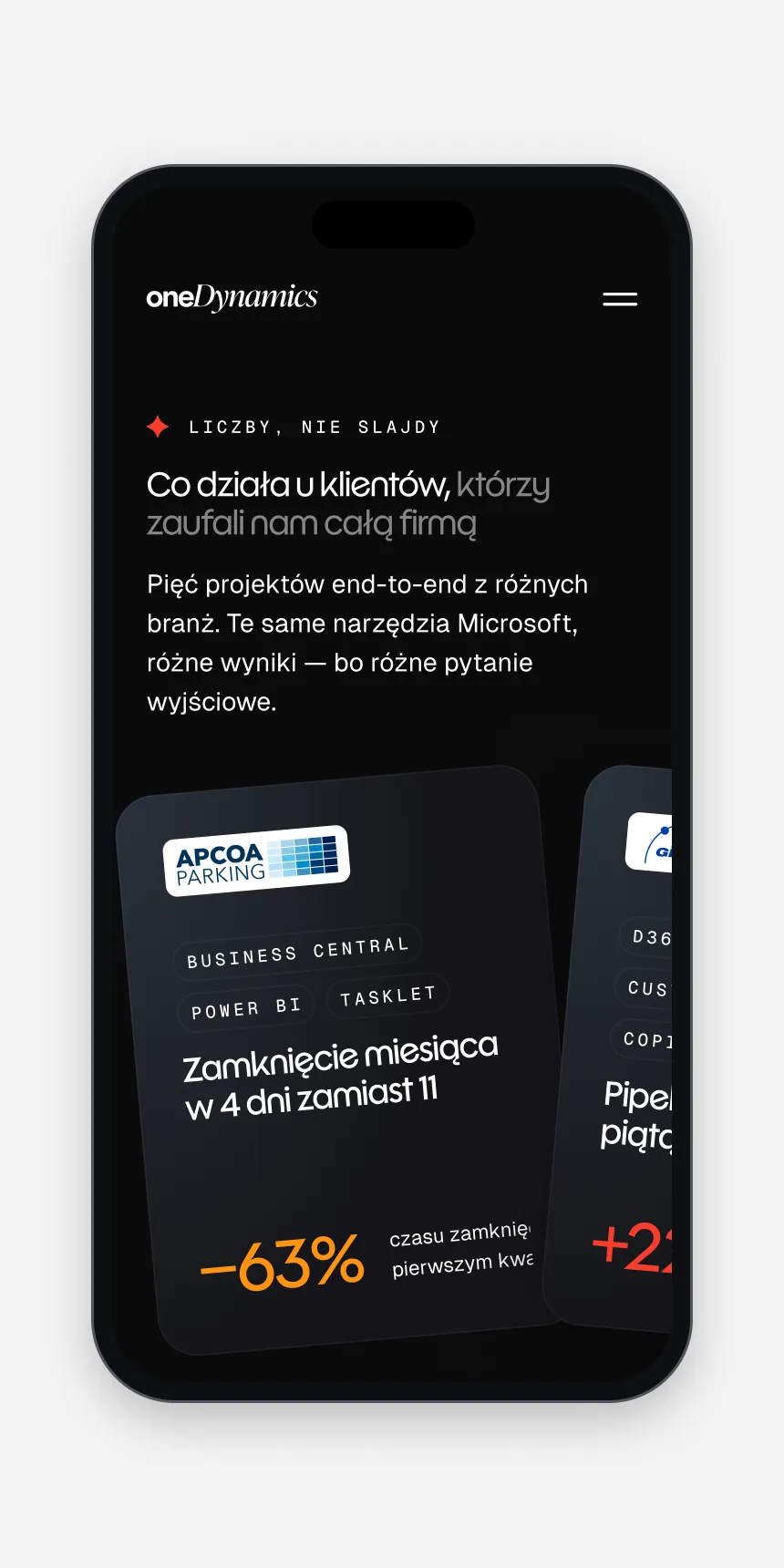
I organised the offer along three axes — Technology, Business Areas and Services — so a visitor can start from the tool, the department or the kind of help they need and still land on the same solutions. Each opens as a full-width menu where every item carries a one-line explanation in plain language. Case studies and news sit next to them as proof, and Schedule an appointment stays in the header on every page.
04 — Deliverables
What shipped
- Pages
- Home, technology, business area and service pages
- Proof
- Case studies, Blog, Video, News, Events
- Company
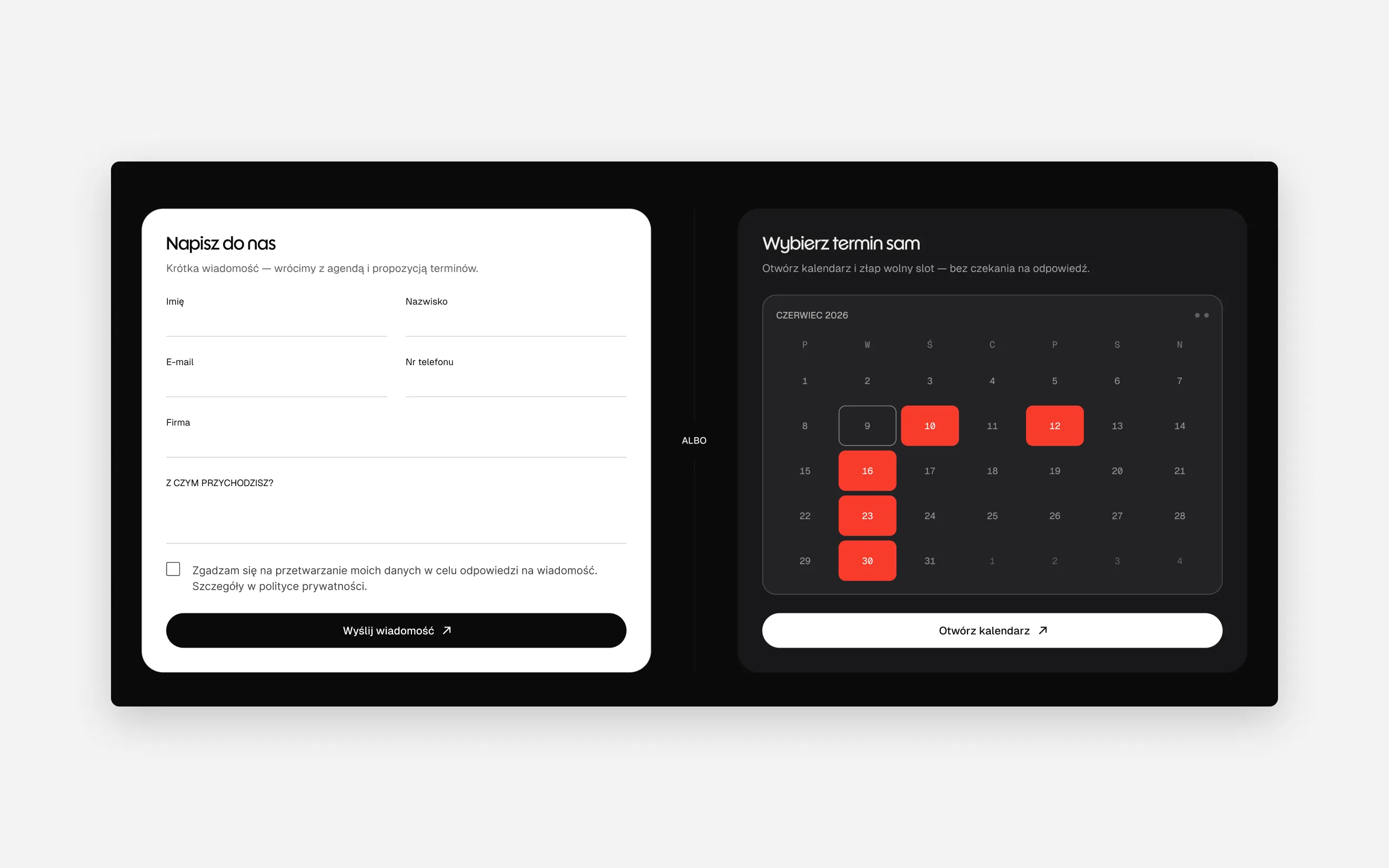
- About Us, Career, Contact with online booking
- Language
- Polish, English and German
05 — Details
Editorial calm for a technical subject
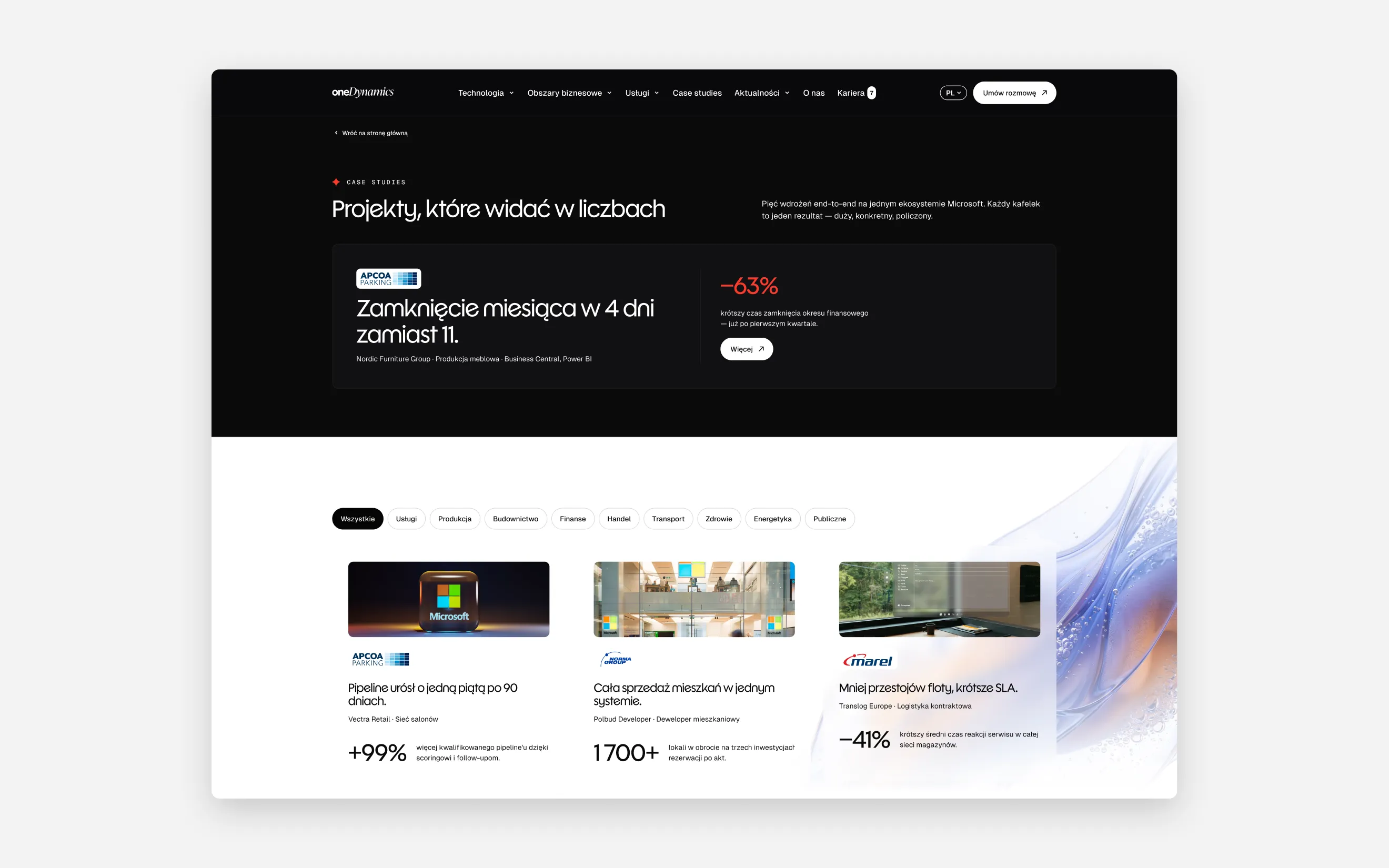
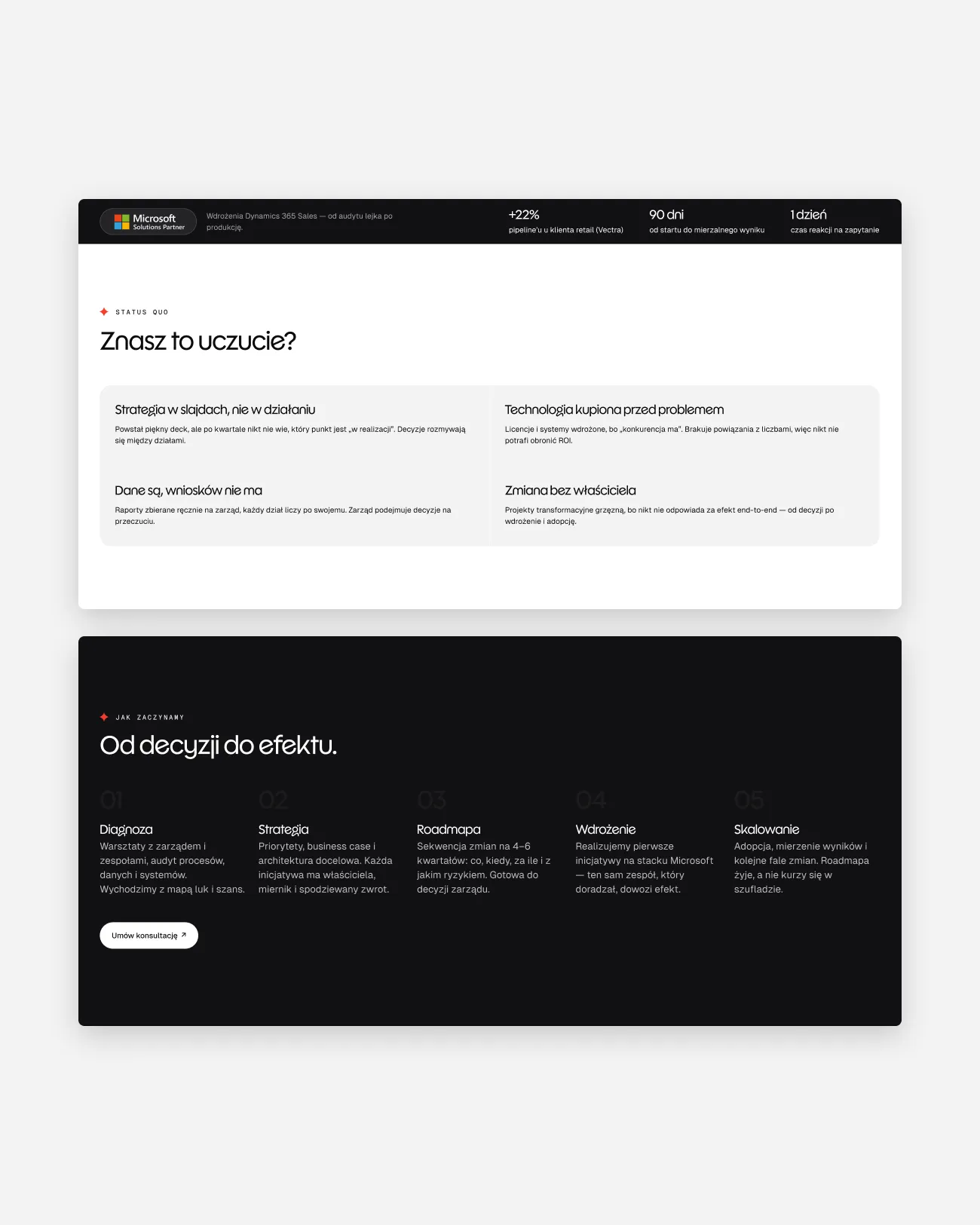
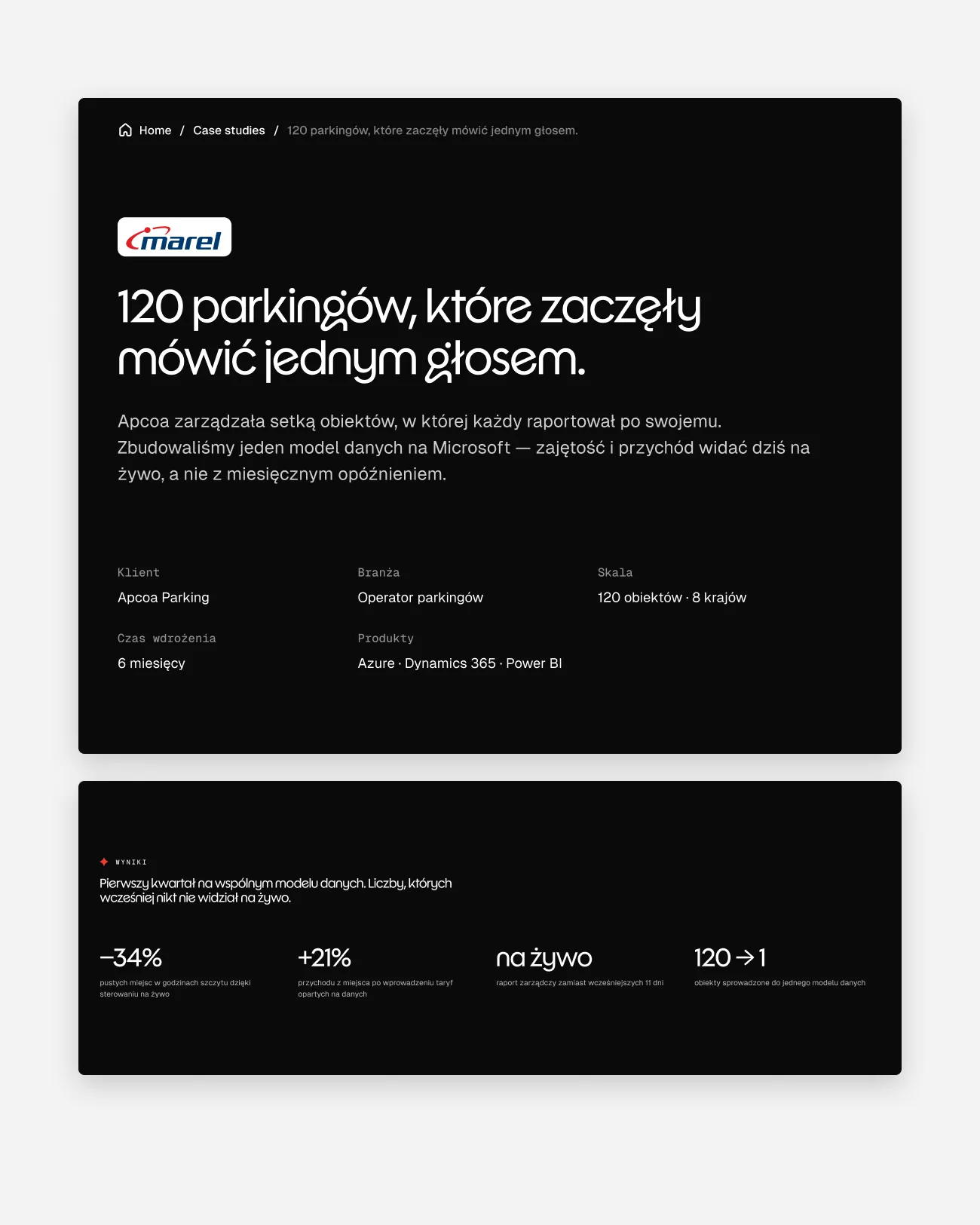
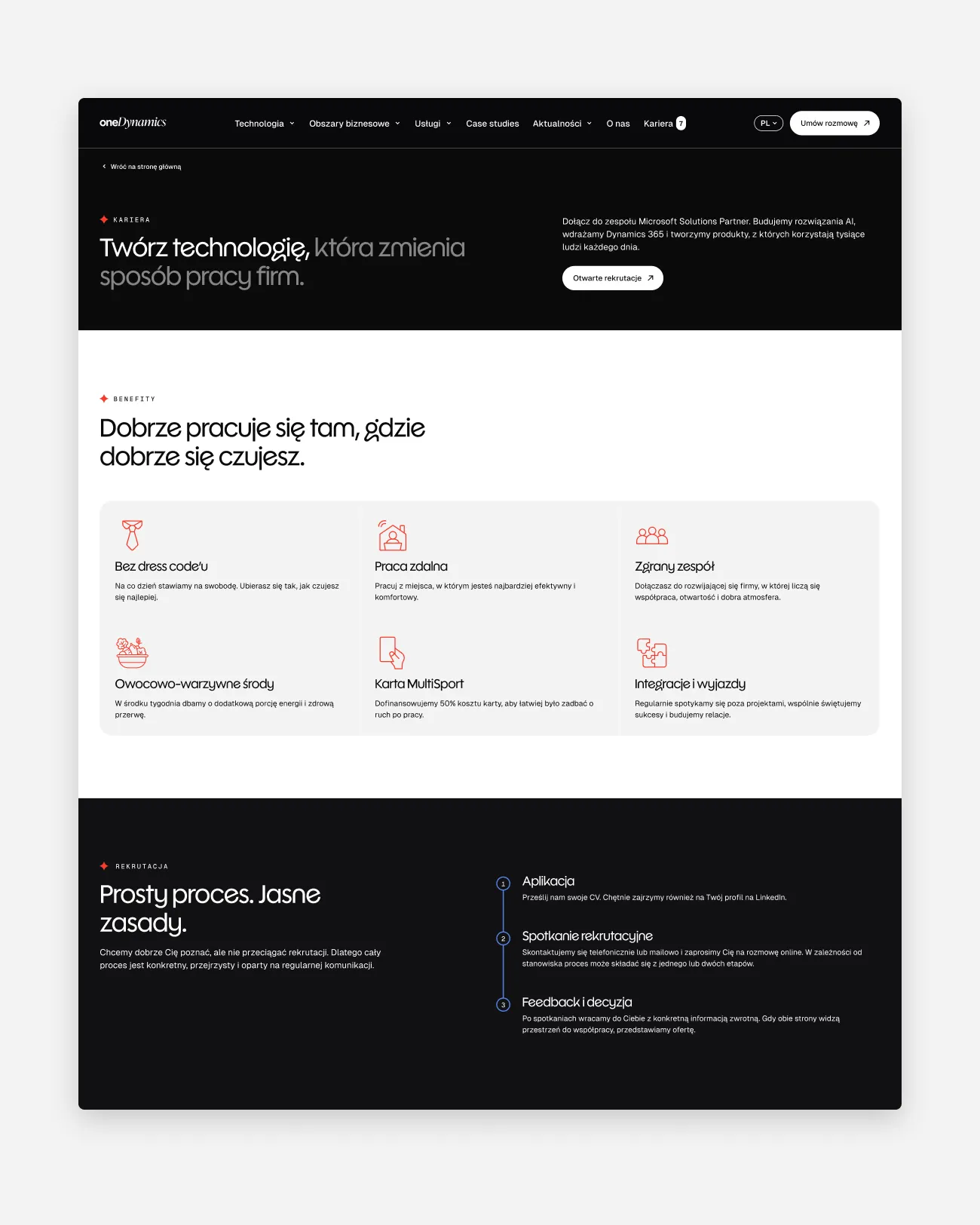
Every page follows the same rhythm: a dark header with a short headline and the key numbers, then light editorial sections with two-tone headlines that name the client’s problems in plain cards, explain the approach and lay out the work as numbered stages. The same parts describe consulting, a migration, an audit or a training programme. An italic serif, shared with the wordmark, gives the technical subject a warmer voice.
06 — Outcome
An offer that reads like a map
The live site presents a wide Microsoft portfolio as a set of clear routes rather than a catalogue. Visitors can start from their own vocabulary — a product, a department or a problem — and reach the same answer, then book a conversation without waiting for a reply. The page system gives the team room to add services, case studies and articles without new layouts.